
 Google Drive
 OneDrive
Below we show how to split PDF pages with double page layout in two, down the middle. Splitting one A3 into two A4 pages is a great example.
上传您的文件
文件通过加密连接安全上传. 文件保持安全. 处理后,它们将被永久删除.
不想上传您的文件并离线处理它们?
Try Sejda Desktop. 与在线服务功能相同,且文件永远不会离开您的计算机.
点击“上传”并从您的本地计算机选择文件.
将文件拖放到页面上也有效.
Dropbox 或 Google Drive 文件
您也可以从 Dropbox 或 Google Drive 中选取 PDF 文件.
展开“上传”下拉菜单并选择您的文件.
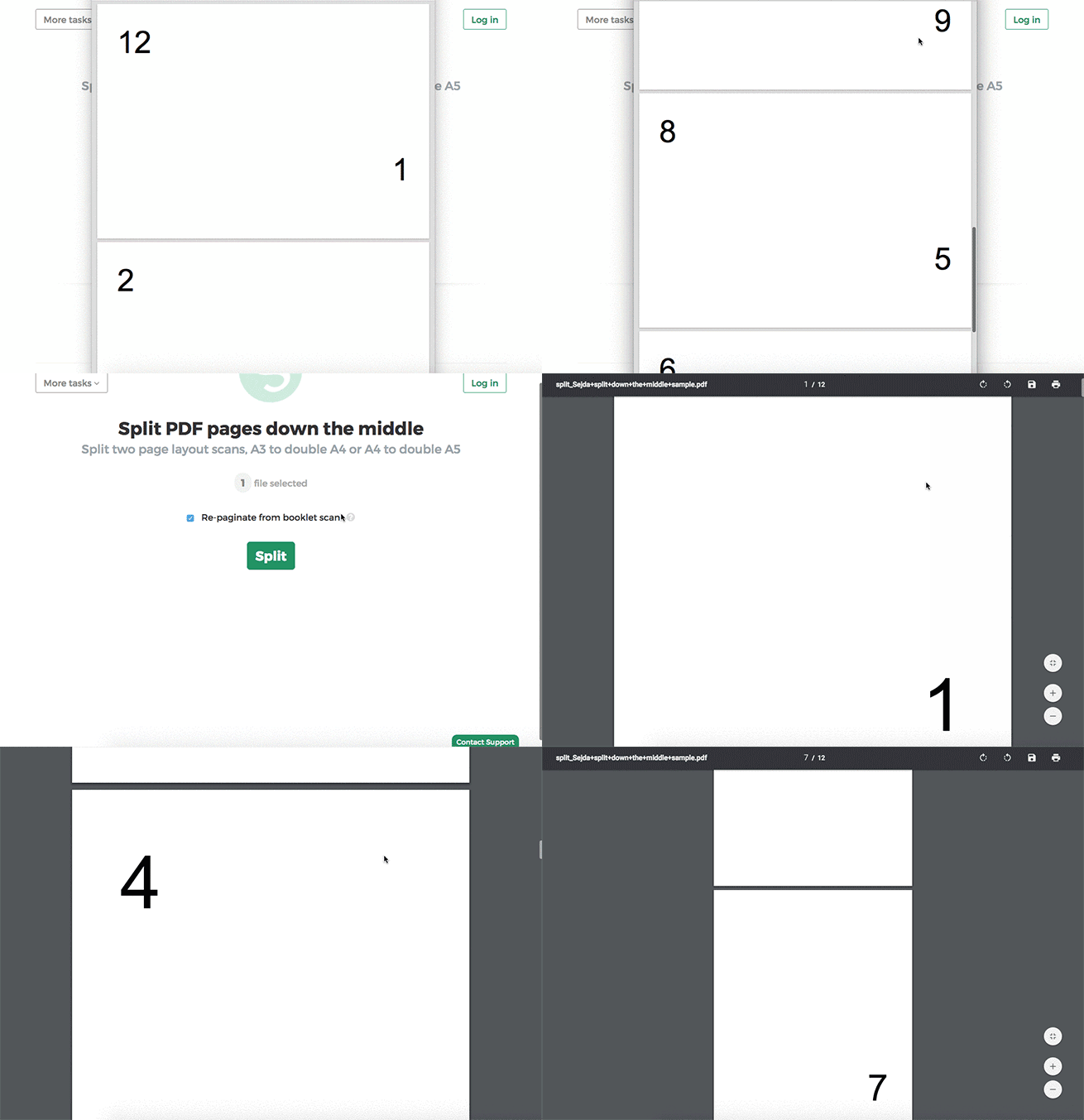
Step 2: Split double page layout scans
Whether it's A4 to double A5s or A3 into two A4s, whether it's landscape or portrait oriented, you don't have to configure anything. The program will auto-configure itself and detect the best way to split.
Just click the Split button to get your result PDF.
Example: You scanned a book by flipping each page and laying it face down on the scanner.
Tip: Reordering pages when document was scanned as a booklet
Sometimes it's easier to scan a document as a booklet, removing the middle ligature and feeding all pages into a scanner at once.
The page ordering in the scanned PDF is not the natural one. To split the document and then reorder the page back to their natural order there's a handy option you can select: Repaginate from booklet scan
Example: You scanned a book by taking out the middle ligature clips and feeding the double pages into a scanner.
In the scanned PDF, the pages are in the following order:12, 1, 2, 11, 10, 3, 4, 9 and so forth, for a 12 pages document.
Different ordering from your scanner? Contact us with details and we'll try to add support for it.
