 Google Drive
 OneDrive
下面我们将展示如何使 PDF 表单或整个页面不可编辑.
上传您的文件
文件通过加密连接安全上传. 文件保持安全. 处理后,它们将被永久删除.
不想上传您的文件并离线处理它们?
Try Sejda Desktop. 与在线服务功能相同,且文件永远不会离开您的计算机.
点击“上传”并从您的本地计算机选择文件. 你可以一次 Upload 多个 PDF 文件进行批量拼合. 你也可以使用 Upload 下拉菜单直接从 Google Drive, Dropbox, 或 OneDrive 导入文件.
选项 2:使可填写的 PDF 表单域不可编辑
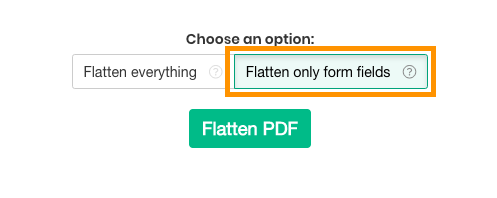
如果您想将可填写的 PDF 转换为只读版本,以便现有的字段不再能被更改,请选择此选项. 仅影响表格字段.
这还会永久嵌入数字签名、印章和批注(如评论和高亮),使其成为文档的一部分,且无法再被删除或修改.
选项 3:将整个 PDF 页面拼合为图片
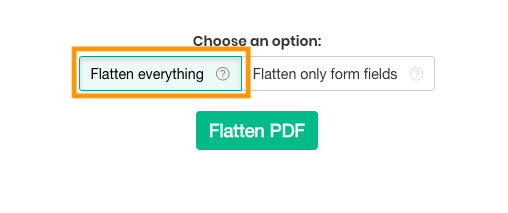
如果您想将 PDF 页面转换为不可编辑的版本,请选择此选项. 每一页都将转换为图片,因此文本无法直接被复制或修改.
这一步将锁定页面上的所有内容,包括文本、图片、表单域和批注,当你想要防止文本被提取或文档被进一步编辑时非常有用.
你可以通过选择分辨率来控制输出质量:75 dpi 获得最小文件,100 dpi 兼顾质量和大小,150 dpi 用于普通分享和存档,220 dpi 则是适合打印的高质量.